
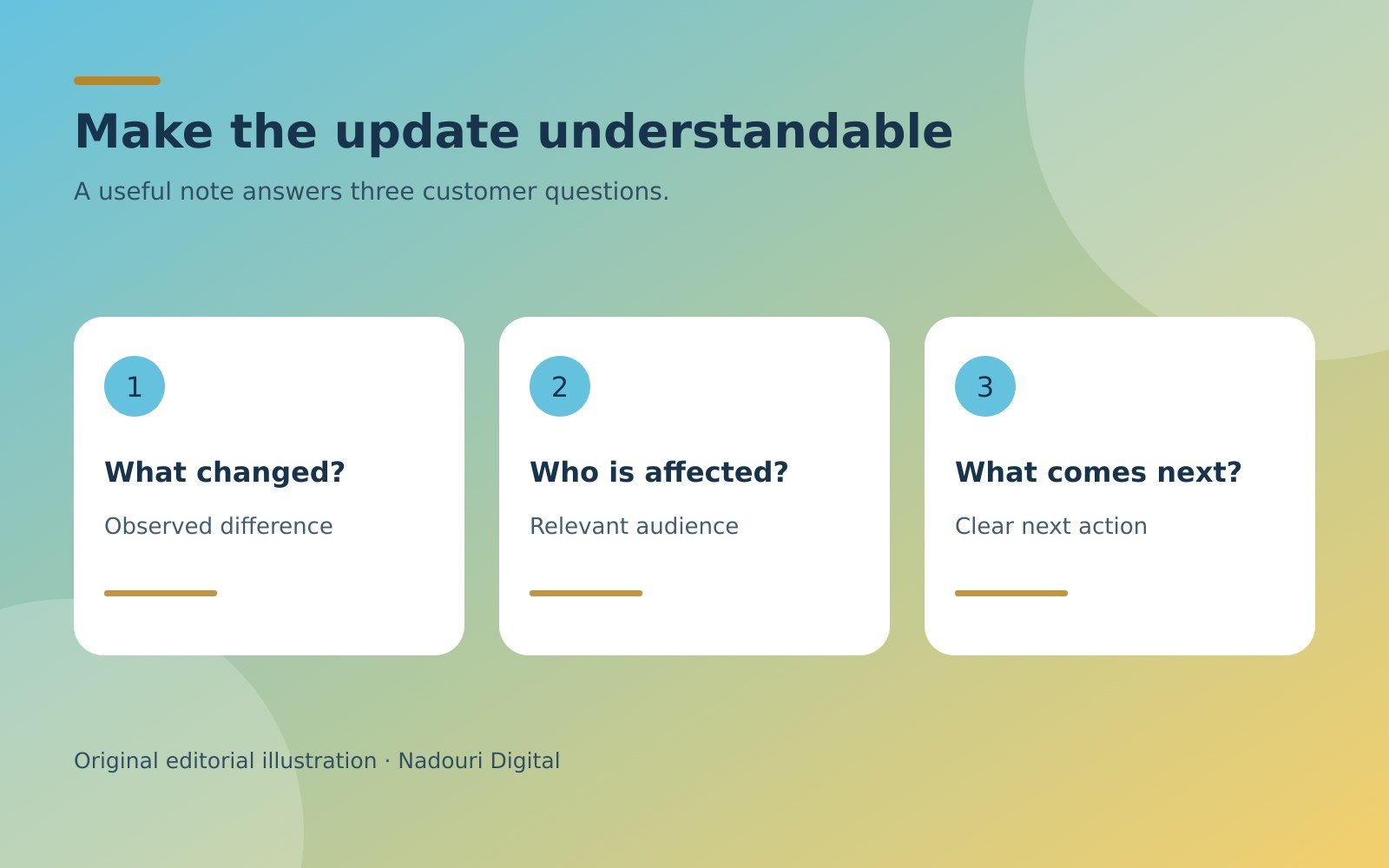
A release note should help a customer understand a change, not make them decode the work that produced it. A team may have completed a substantial update, yet the announcement says only “improvements and fixes.” Another announcement lists internal ticket numbers without explaining whether the reader needs to do anything. Both leave the useful information hidden.
For a small business, customer-facing release notes can describe changes to a website tool, a downloadable resource, or a recurring service. The practical method below is an editorial approach, not a record of Nadouri Digital product updates. All examples are hypothetical. Publish only changes that the responsible team has confirmed, and separate an announcement from any contractual notice that requires its own approved process.
Choose the reader and the affected task
Begin by identifying who will notice the change. “All users” may be accurate, but often the audience is narrower: people exporting reports, customers editing a saved template, or administrators inviting colleagues. A useful note names the relevant task before describing the implementation. That makes it easier for an unaffected reader to move on.
Consider a fictional document portal. “Updated export component” describes internal work. “Downloaded reports now include the selected date range in the filename” describes an observable difference. The second sentence also gives a reviewer something concrete to check. It does not claim that exporting is faster, safer, or easier unless those additional statements have evidence.
Decide where the note belongs. A short history of changes can live in a release log, while detailed instructions belong in the relevant help page. A message requiring immediate action may need a separate communication route. Do not assume that adding a line to an archive means affected customers have received an important notice.
Collect facts before choosing the announcement language
Ask the person responsible for the change to describe the old behavior, the new behavior, the affected audience, and the availability conditions. Also ask what remains unchanged. This is a small factual intake, not a request for a promotional paragraph. Keep unresolved points visible in the working document rather than smoothing them over.
For the report example, useful questions include whether the new filename applies to every report format and whether previously downloaded files change. If the answer is “new PDF exports only,” that limitation belongs beside the announcement. It should not disappear because a shorter sentence looks cleaner on a card.
A change can be complete in a test environment but unavailable to customers. Distinguish tested, released, and available to a particular audience. Ask for the evidence that supports the stage you describe. If availability cannot yet be verified, keep the note unpublished or clearly classify it as a planned change rather than presenting it as delivered.
Write the change and its consequence separately
First state what changed in neutral language. Then explain the practical consequence when it is supported. This separation helps an editor spot the moment a factual update turns into an unsupported benefit claim. “The filename contains the date range” is a feature statement. “You will never confuse reports again” is a promise the change cannot establish.
A restrained consequence might be: “You can check the reporting period from the filename before opening the PDF.” That describes a capability the reader can verify. Even then, confirm the filename is visible in the actual download workflow. Do not describe the ideal behavior of a planned interface as the behavior customers already have.
Use the same names customers see in the interface or document. If a menu says Reports, do not call it the analytics hub merely to avoid repetition. Your editorial style sheet can help keep approved names consistent, but the current product or service remains the source of truth.
Make required action unmistakable
Tell the reader whether they need to act. When no action is required, say so only after checking that the change does not depend on a setting, a new download, or an account permission. When action is required, state the action and link to the relevant instructions. Avoid burying it inside a paragraph celebrating the release.
For example: “Download a new copy of the worksheet to use the revised instructions. Existing copies are unchanged.” This is more useful than “Our worksheet has been refreshed.” If customers can continue using the previous version, explain that accurately. If they cannot, obtain approved wording about the transition instead of improvising a deadline or obligation.
The W3C guidance on accessible writing recommends meaningful link text, clear instructions, and headings that describe their sections. Apply those principles to action steps in a release note. A link called “Download the revised worksheet” gives more context than “Click here,” although wording alone does not establish full accessibility conformance.
Describe limitations without making the note unreadable
Not every implementation detail belongs in a customer announcement. Include conditions that change the reader’s decision or expectations: supported formats, eligible accounts, phased availability, and known limitations relevant to the task. Keep internal debugging details in the appropriate technical record unless the audience actually needs them.
A limitation should not contradict the opening claim. If the note begins “Reports now include all attachments,” a later sentence saying that some attachment types are excluded creates confusion. Rewrite the main statement with the correct scope. Qualifications are useful when they clarify a truthful statement, not when they quietly reverse an exaggerated one.
Be careful with the word “fixed.” Describe the specific behavior that was corrected rather than implying that an entire area is now error-free. If a related issue remains, make its relevance clear without disclosing private customer information. Do not copy internal support conversations or identify affected customers in a public release log.
Use dates and versions that match the real release
A release date tells readers when a change became available; a publication date tells them when the note was posted. Those may differ. Use the appropriate label rather than silently substituting one for the other. If availability is phased, explain the relevant window or condition without promising an exact date that has not been approved.
A version identifier is useful when customers need to distinguish files or installations. Keep it identical to the identifier on the actual item. Avoid inventing a numbering system in the announcement alone. A reader should not have to guess whether “the October update,” “version two,” and “the new edition” refer to the same thing.
Review the note against the released experience
Before publishing, follow the customer task in the released environment or ask the responsible reviewer to provide a verified result. Check every stated condition and action link. Read the note on a narrow screen, where long version strings or crowded labels can obscure the important point. Make sure any screenshot reflects the available interface.
Finally, ask a reviewer to answer three questions using only the note: what changed, does it affect me, and what should I do next? If the answers are uncertain, revise the explanation rather than adding more excitement. A useful release note is a small, accurate bridge between completed work and the customer who needs to understand it.